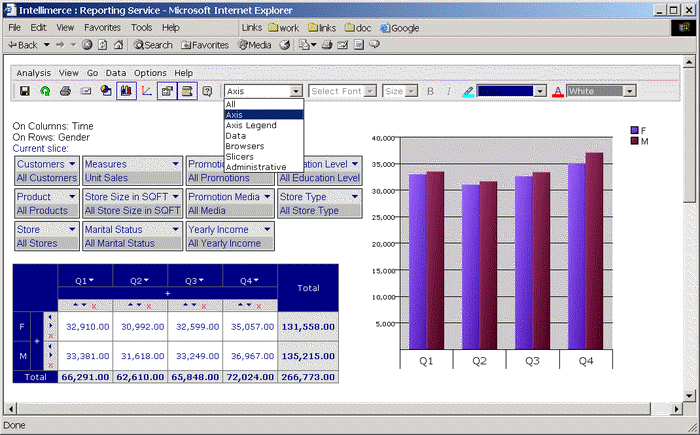
Axis option in the submenu refers to display property changes of dimensions cells in the grid.
If chosen Axis option from submenu, the Advanced Formatting toolbar is enabled and Format toolbar is disabled. You can change Component Background Color and Component Foreground(Font) Color.
Default display property for Axis (Component Background Color: Navy and Component Foreground(Font) Color: White) is shown in the following figure:
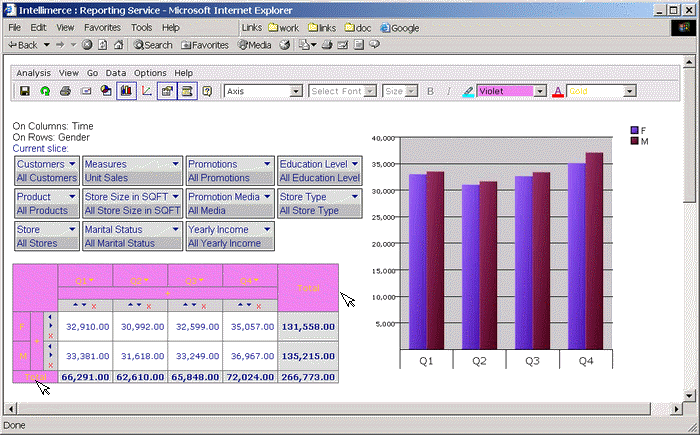
If Component Background Color is changed to Violet and Component Foreground(Font) Color changed to Gold:
|
|