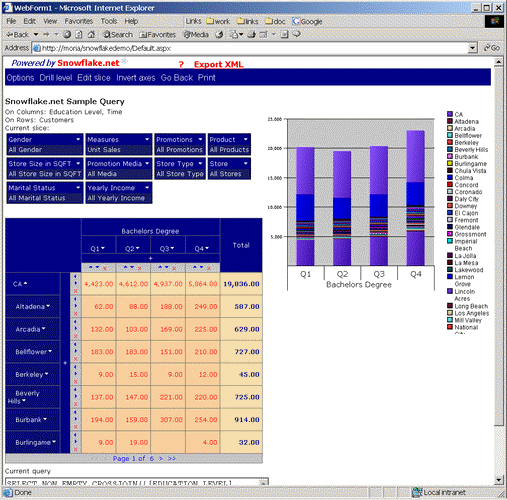
Drill down by clicking on down arrow or drill in by clicking on cell in the grid.
As you can see you can drill-down and up the dimension by clicking on the 6 (down arrow) and 5 (up arrow) icons beside the dimension member. Only the member that was selected will be drilled (Drill Level drills down/up the whole dimension).
Following figure shows the drill-down for CA in the customer dimension.
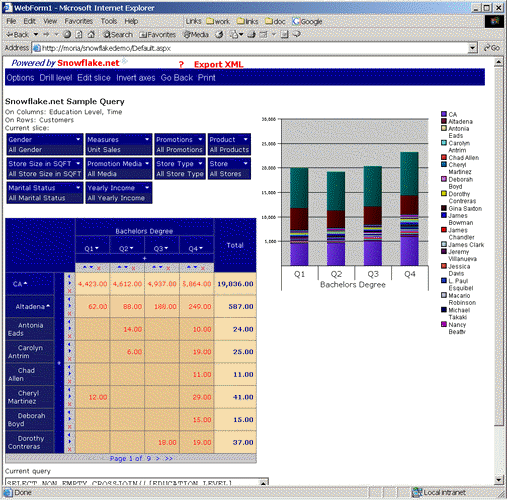
Now if we perform one more drill down (on Altadena), we will see:
Following figure shows drill-down on time dimension, Q1.
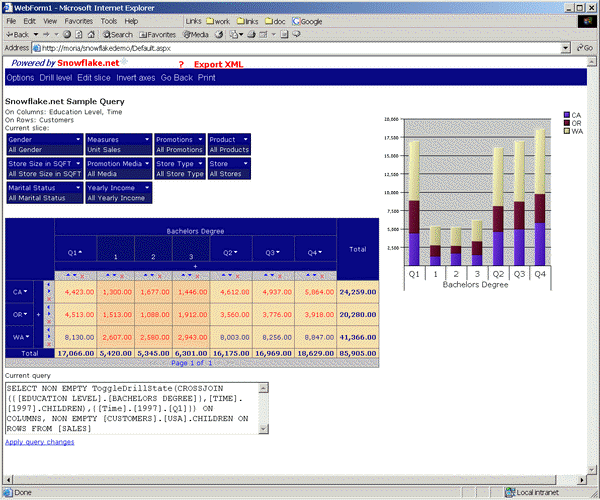
In following figure you can observe how depth of drill-down is illustrated through the shading of the cells in the grid when both X and Y dimension have a drill-down.
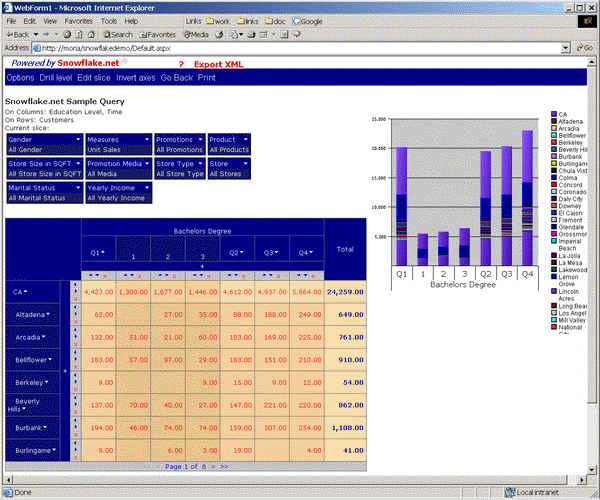
Following figure shows menu where you can choose drill level.
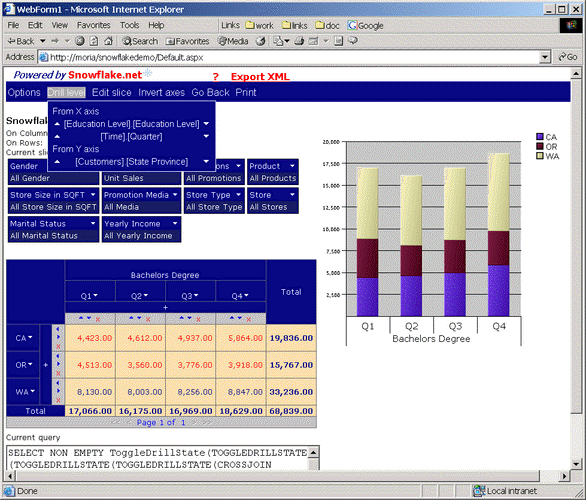
When you select drill level from the menu, all elements of the dimension will be drilled down.
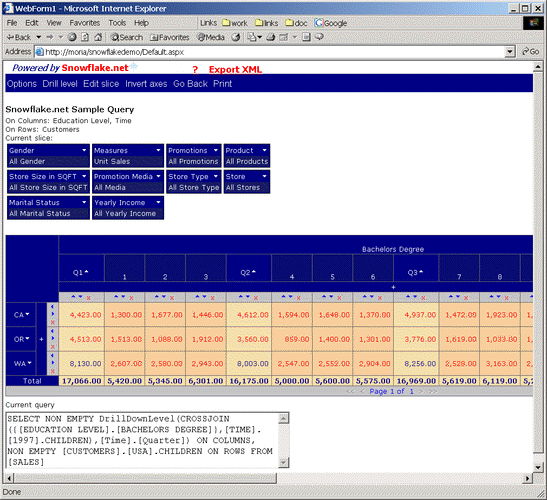
For example, if in the following setup we drill on [Time].[Quarter], we will see:
|
|