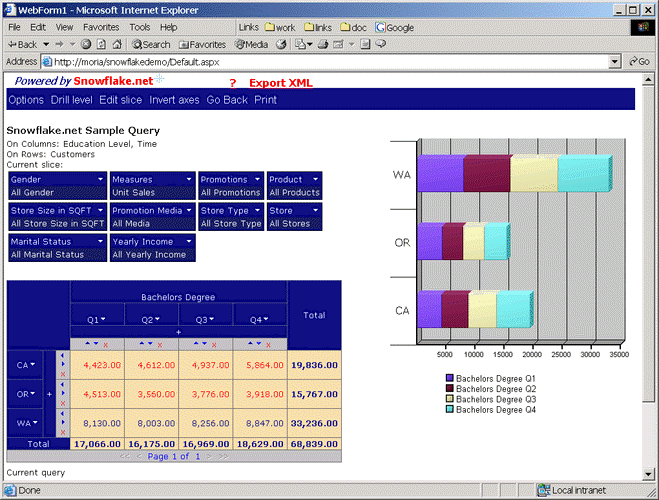
Modify the page size through the Options menu to fit your requirements.
In order to display the effect of the page size we will go back to the original query.
Drilling on CA will result in following page:
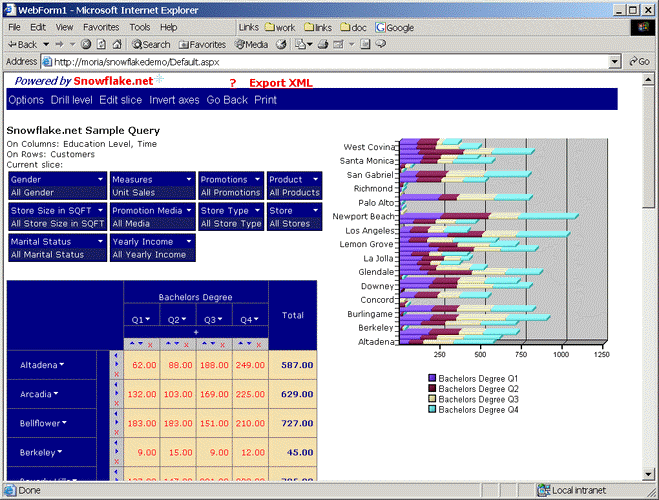
Unfortunately we can’t see all the rows in this view, as there are 45 child elements of CA.
The current paging is set to 30 elements per page. If we change this setting to 5
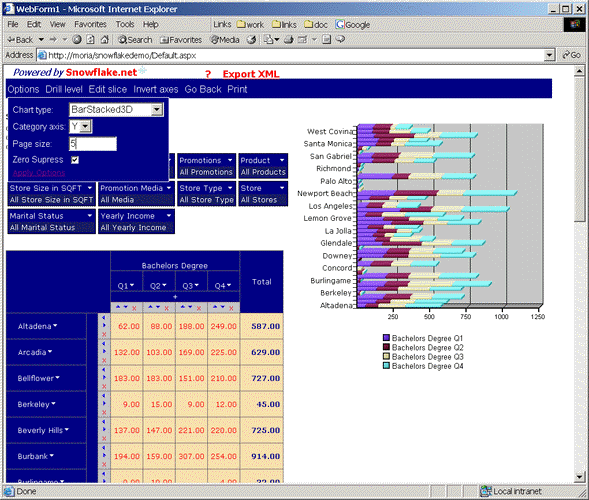
and click on the Apply Options link we will have the following result:
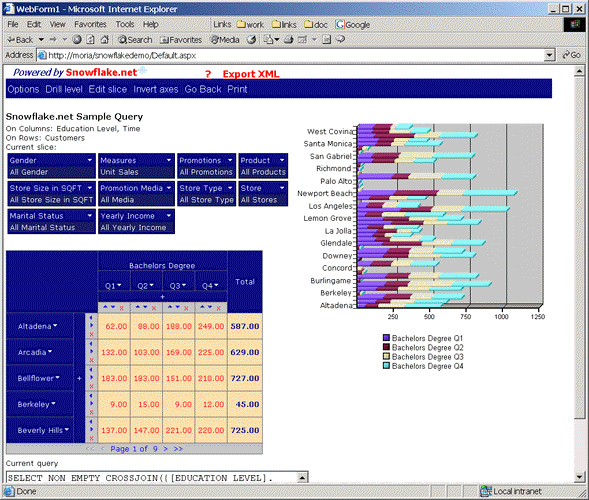
which allows us to see the complete chart as well as the bottom navigation bar for the paging within the grid
(i.e. Page 1 of 9).
|
|