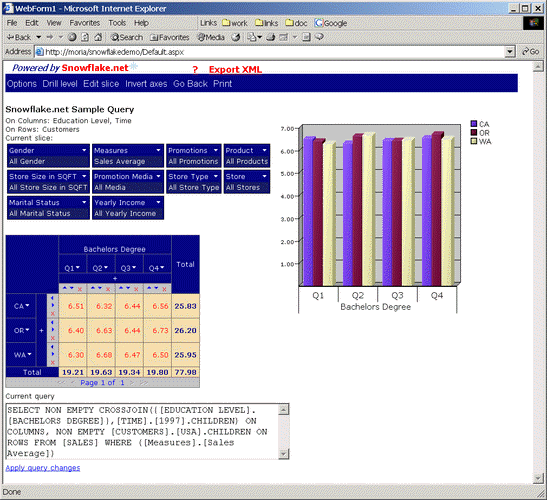
Sort results by clicking on the arrows in the column and/or row headers.
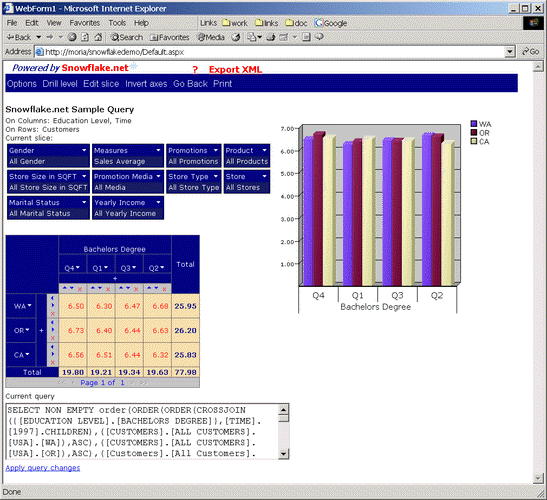
We will start with the dataset shown in the following figure:
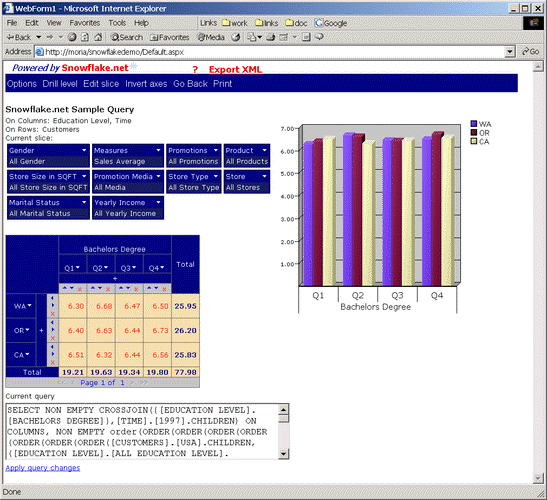
Since column Q1 is already in descending order lets choose descending order for column Q2 (notice rows CA, OR, WA are now in order WA-OR-CA):
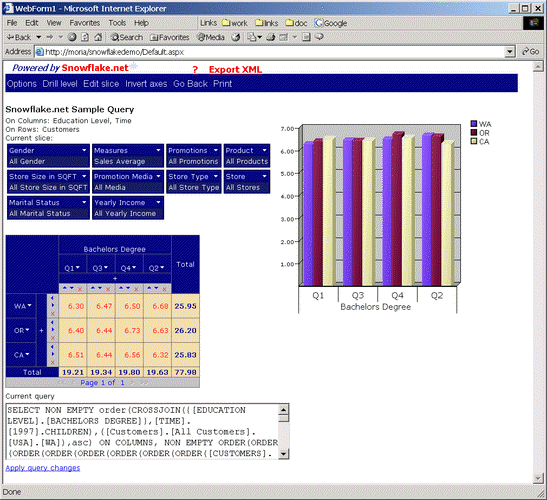
Lets choose now ascending order for row WA:
Next, when we choose for row OR ascending order, the figure looks as:
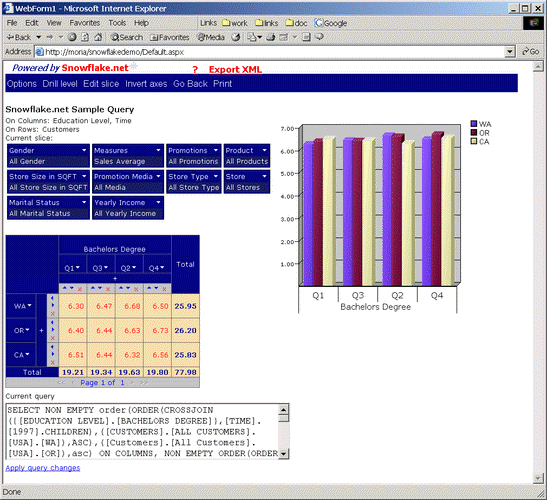
And one more time, when we choose CA descending order, figure is as (observe the change in columns order Q4-Q1-Q3-Q2):
|
|

Copyright © 2004 Intellimerce Inc. All rights reserved.