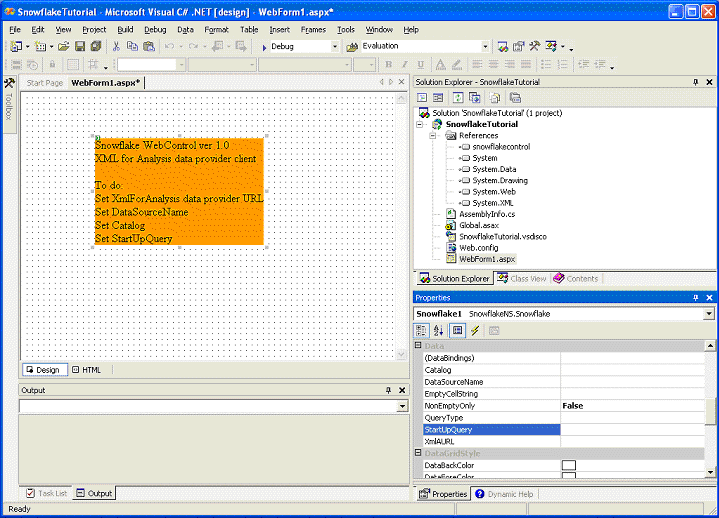
Select the control by clicking on it. The Property pages will display properties that you can set for the control. Scroll the properties until you can see the Data properties.
You can set the following properties:
· Setting the XML For Analysis Provider
· Data Source name and Catalog
|
|