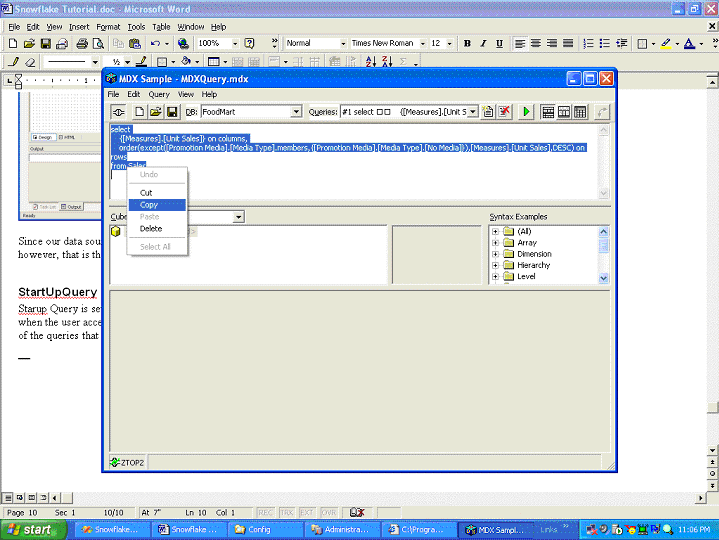
Startup Query is set through the StartUpQuery property. Startup Query will be executed when the user accesses the page. You can pick any valid mdx query. We have chosen one of the queries that show up in the MDX client that comes with Microsoft OLAP Services.
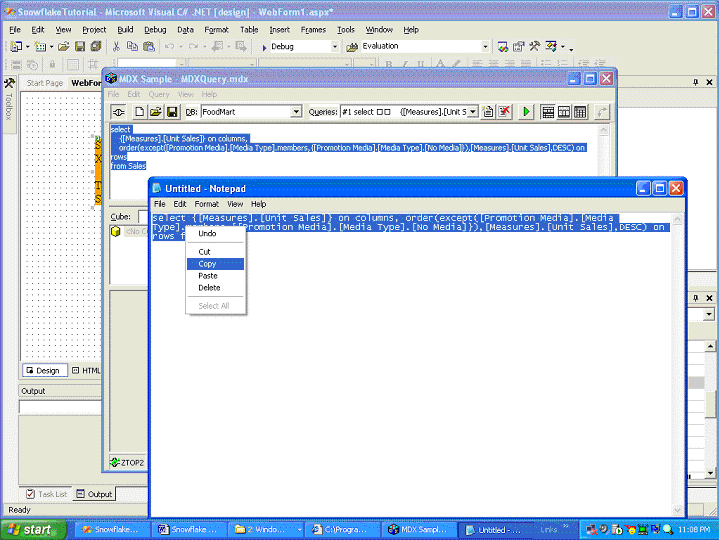
We have copied the query from the MDX Query designer into notepad so that we can remove the carriage returns
and pasted the query into the StartupQuery property
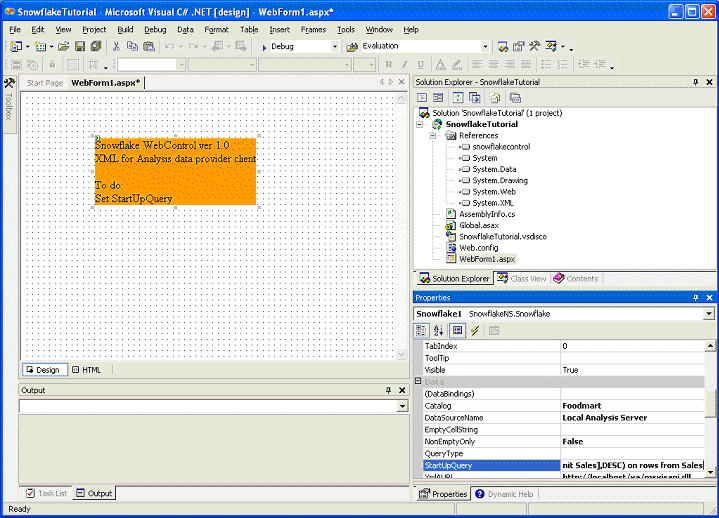
You are now ready to execute the application and see your first analysis web page.
Alternatively you can set a very simple statement for the startup query and use the Snowflake run-time abilities to create a complex MDX statement.
Snowflake.net supports the simplest possible MDX statement such as: "Select from Sales". To build a more complex statement enable the QueryTextVisible property, which enables a text window bellow the grid from which you can pick up the MDX statement that gets built dynamically as you are performing actions in run-time. When you are happy with the MDX statement, copy it from the Query text box and return to the design-view in VS.net and paste into the StartupQuery property.
|
|