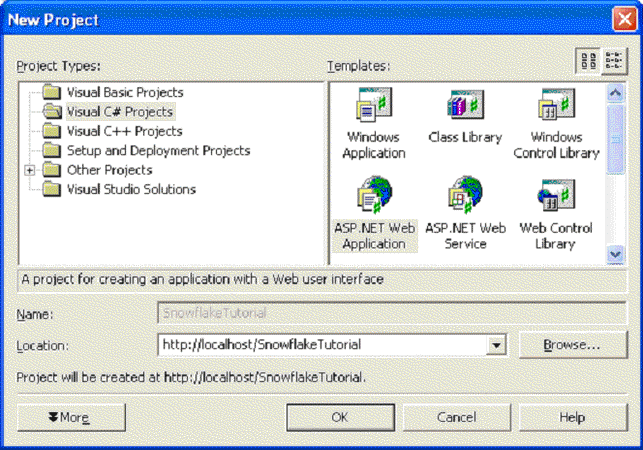
Create a new ASP.net Web Application by clicking on File->New Project in the Visual Studio Developer and selecting ASP.NET Web Application. You can name your application whatever you wish but for the simplicity of following the tutorial use the "SnoflakeTutorial" name.
Once the project is created the project explorer will look as follows:
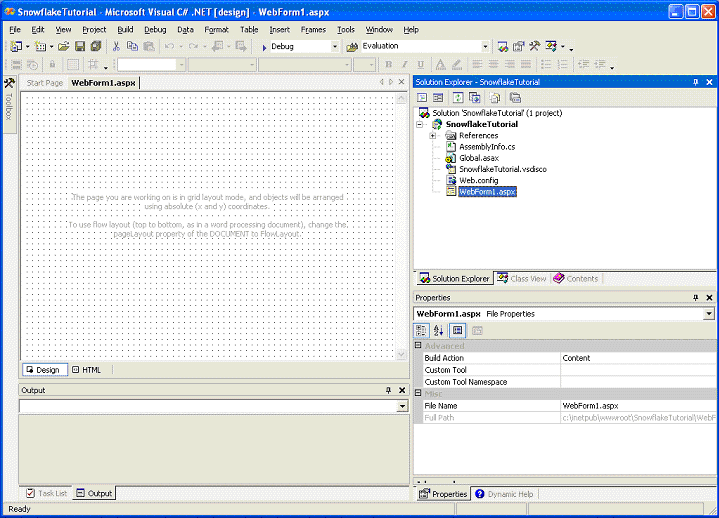
You will be adding the control to the WebForm1.asp web form (by the way the language of our choosing in this example was C#; you can use whatever language you wish without much difference to the process).
|
|