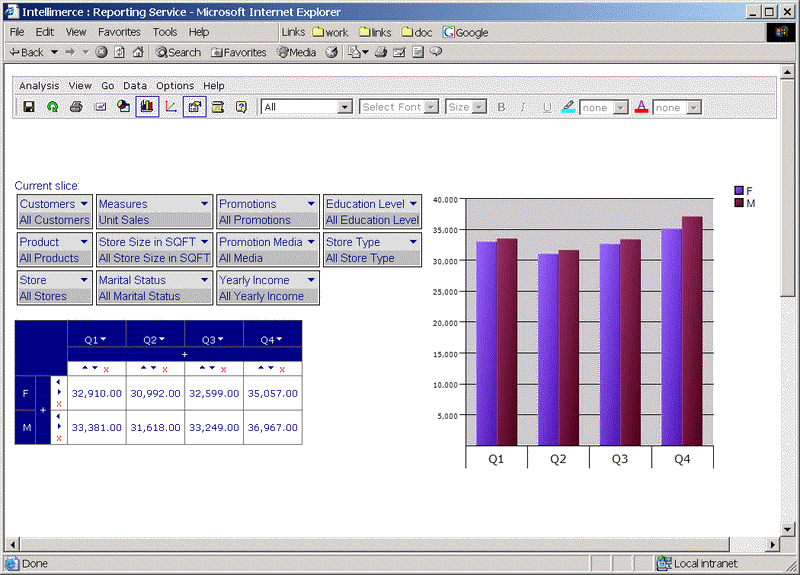
Grid&Chart option in View menu choice is used to change position of the grid and chart.
There are 4 options for chart and grid positions:
· Grid is Left of the Chart (default)
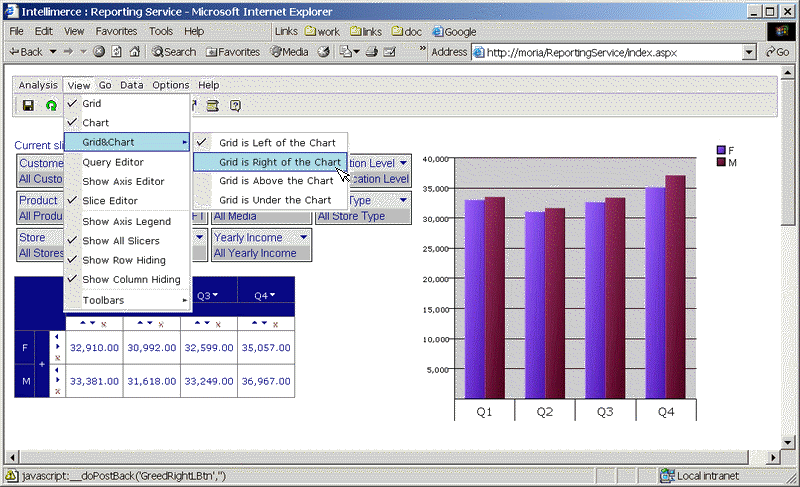
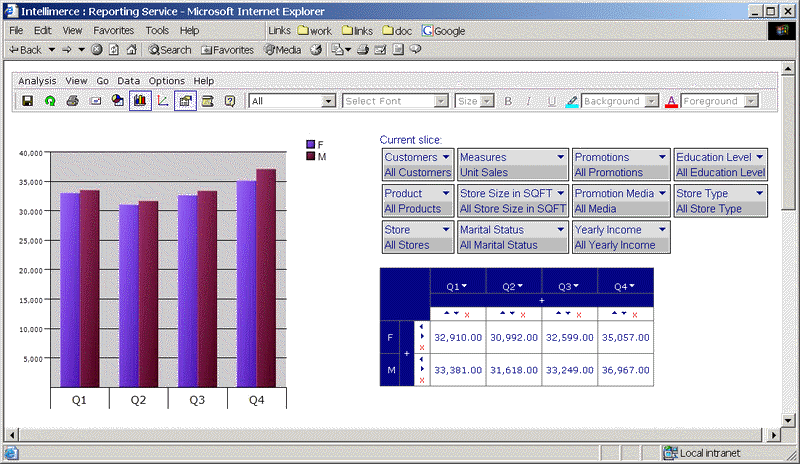
· Grid is Right of the Chart
· Grid s Above the Chart
· Grid is Under the Chart
Start with the following default query where chart, grid and slice editor are shown as follows:
Press Grid&Chart option from the View menu to show the submenu as follows:
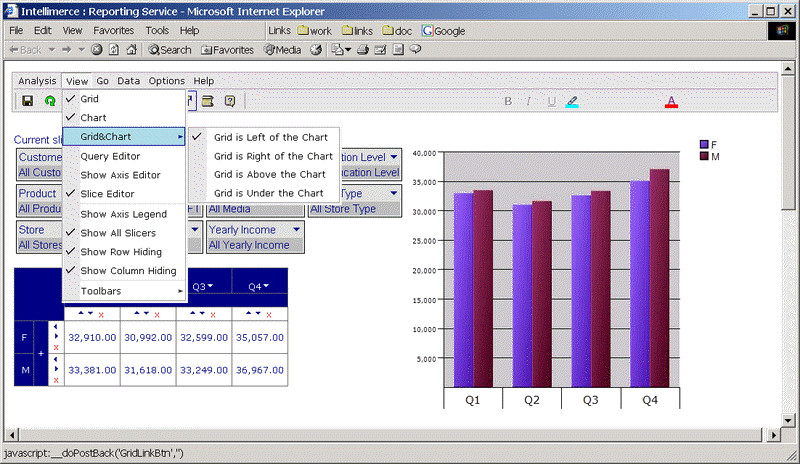
When you choose Grid is Right of the Chart as shown bellow:
Following result is shown:
See Also Grid, Grid Type and Chart, Chart Type
To show grid and chart you can use Show Grid&Chart button  in the toolbar
|
|